Logo Support, Bulk Drafts & Smarter Candidate Views
Logo Support, Bulk Drafts & Smarter Candidate Views — Vouch Changelog
Vouch now supports company logos in candidate emails, bulk draft editing, a sortable talent pool table, must-have/nice-to-have title fields, and automatic listing expiration.
New
Add your company logo (or sub-company logo) to outgoing candidate emails and messages for a more branded, professional candidate experience.
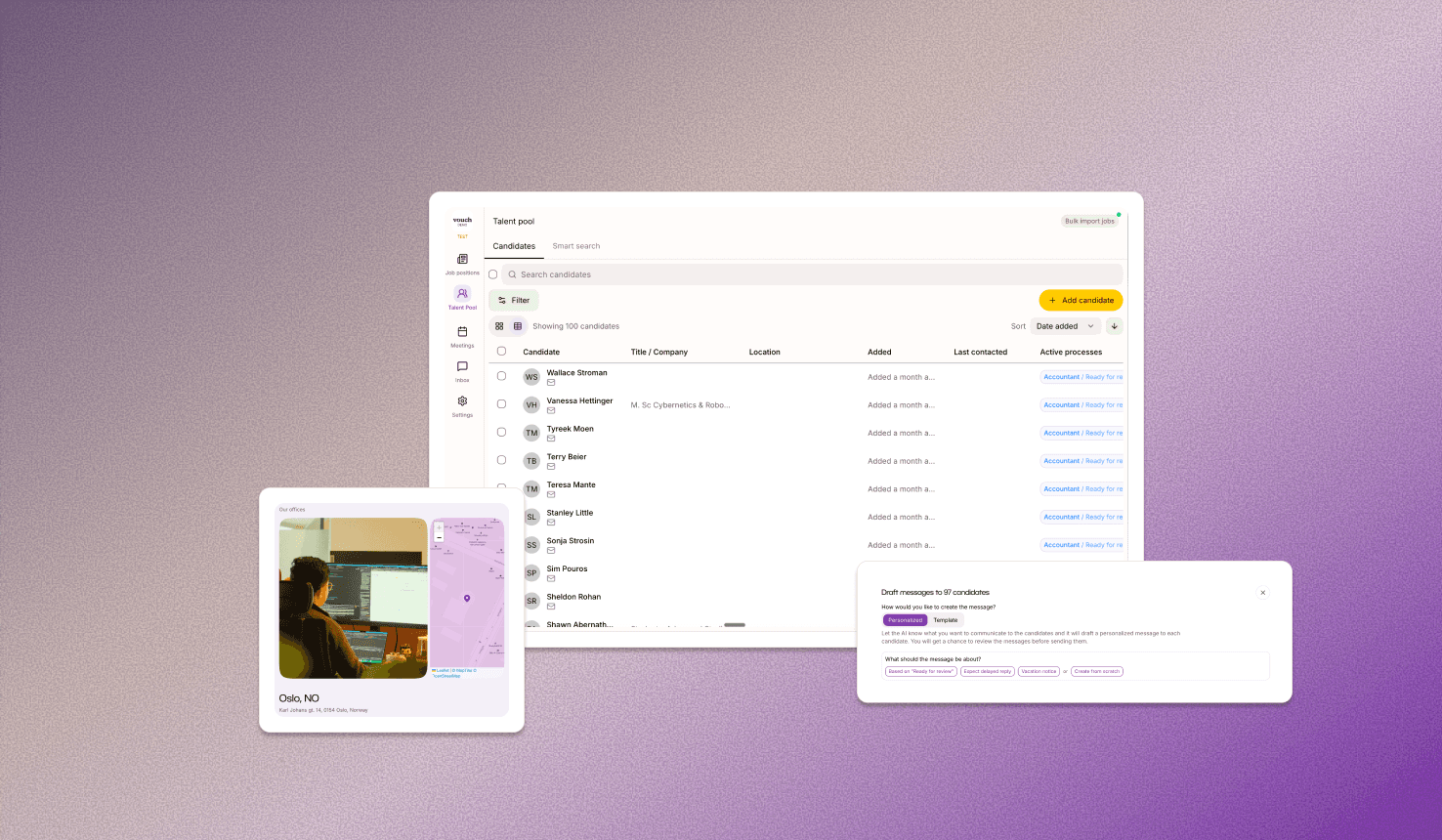
Manage draft communications in bulk. Edit, review, and send multiple messages at once from a single view.
A new table view for your talent pool lets you sort saved candidates by name, title/company, or date added.
Specify both must-have and nice-to-have title criteria when scoping a listing for sharper role definitions from the start.
Listings now automatically expire and deactivate on their set date, no manual follow-up needed.
Upload office photos when adding or editing a location.
Edit the details of existing locations directly from the business portal.
Delete manually added candidate references when they're no longer needed.
Get notified when your calendar connection expires or is revoked, so bookings never silently break.
Improved client management with merging and deleting duplicate clients
Export comments, communications, and evaluations along with a candidate's profile and CV.
Improved
Email subjects now strip redundant reply prefixes ("Re:", "AW:") so conversation threads display cleanly.
Booking management is more reliable, with improved timezone handling and localized error messages.
Other
Core performance and stability improvements.